
Managing Your Account Details & Password
Keeping your account information up to date ensures you receive important parking receipts and payment notices. Here is how you can manage your login details and resolve common access issues.
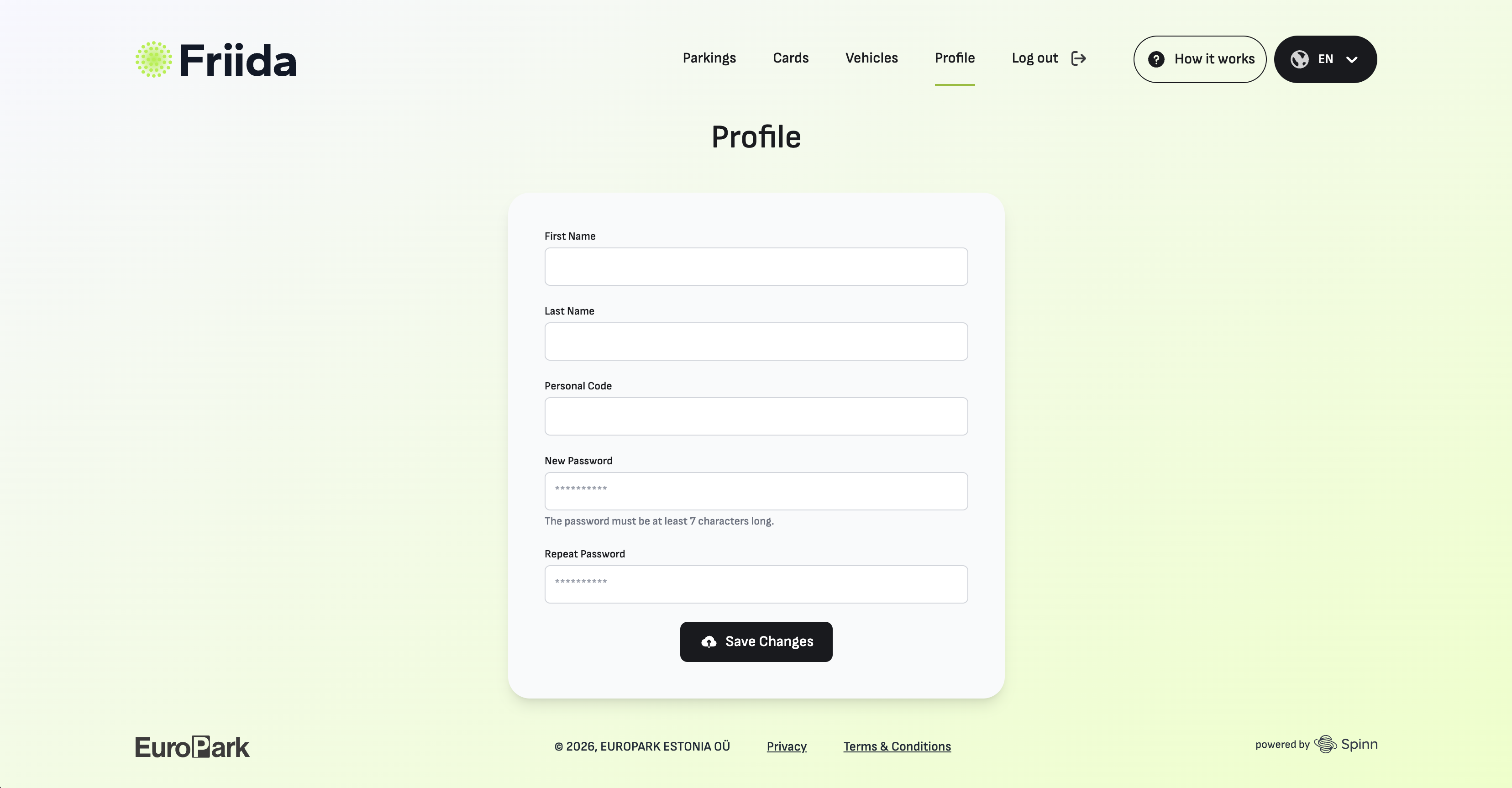
1. Changing Your Email or Password
If you are logged into your account and simply want to update your details:
Note: If you change your email address, you will need to use the new one the next time you log in).
2. Resetting a Forgotten Password
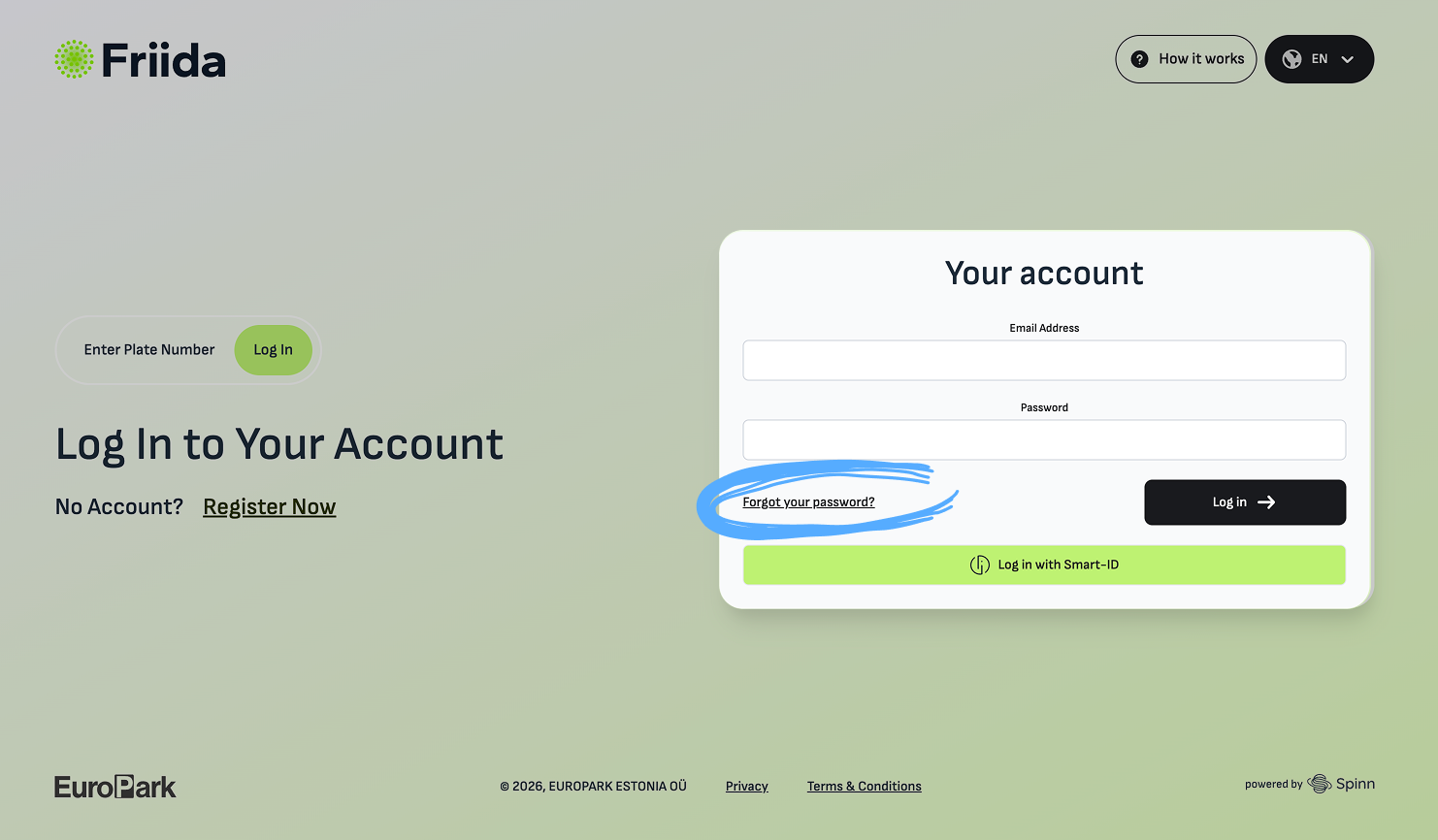
If you cannot remember your password, you can reset it quickly without needing to contact support:
-
Go to the Friida login page and click on the "Forgot Password?" link.
-
Enter the email address associated with your account.
-
Check your inbox. We will send you a one-time password. Please don't forget to change the temporary password in your profile - The password is only valid for one hour.
3. What If I Lost Access to My Email?
If you no longer have access to the email address registered with your Friida account AND you have forgotten your password, you will not be able to log in or receive a password reset link.
-
For your security: We cannot manually change the email address of an account without verifying ownership through the original email.
-
What to do: You will need to create a new Friida account using your current, active email address.
-
Important: If your old account had a linked bank card for automatic payments, please contact our Customer Support immediately. We will help you safely detach your vehicles and payment methods from the lost account to prevent any unwanted charges.
No comments to display
No comments to display