
How to Check Your Parking Status
You can easily check the status of your parking session or see if you have any pending payments using either the Friida web portal or an on-site payment kiosk, without needing to log in.
How to check:
- Via the Web Portal: Go to the Friida homepage, enter your license plate number into the main search bar, and click the search button.
- At the Kiosk: Simply tap the screen at any on-site kiosk and type in your vehicle's license plate number.
Tip: While at the kiosk, you can also get a personal QR code. Scanning this code with your smartphone will open the Friida web portal directly to your active session, allowing you to easily track your time or pay later on your phone.
Understanding Your Results:
Depending on your situation, the system (both on the web and at the kiosk) will show you one of the following statuses:
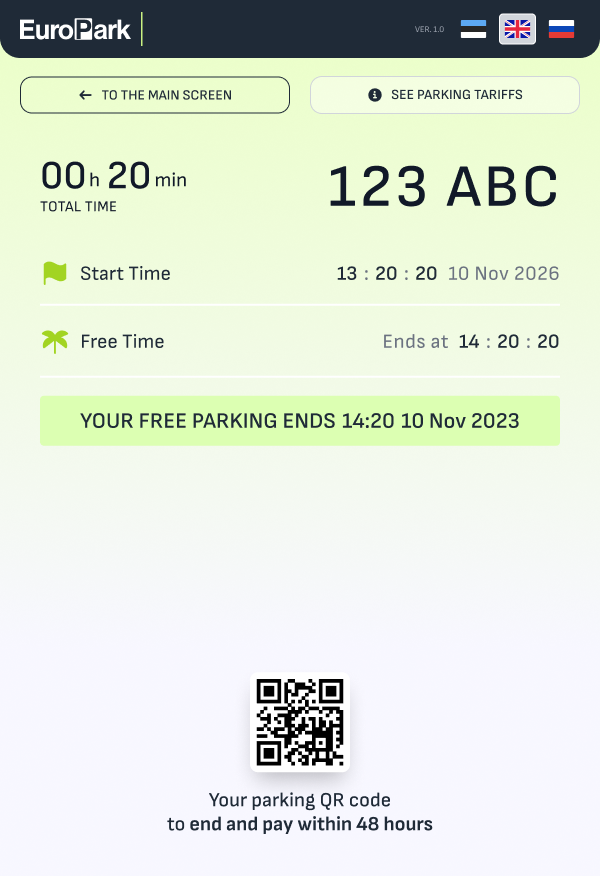
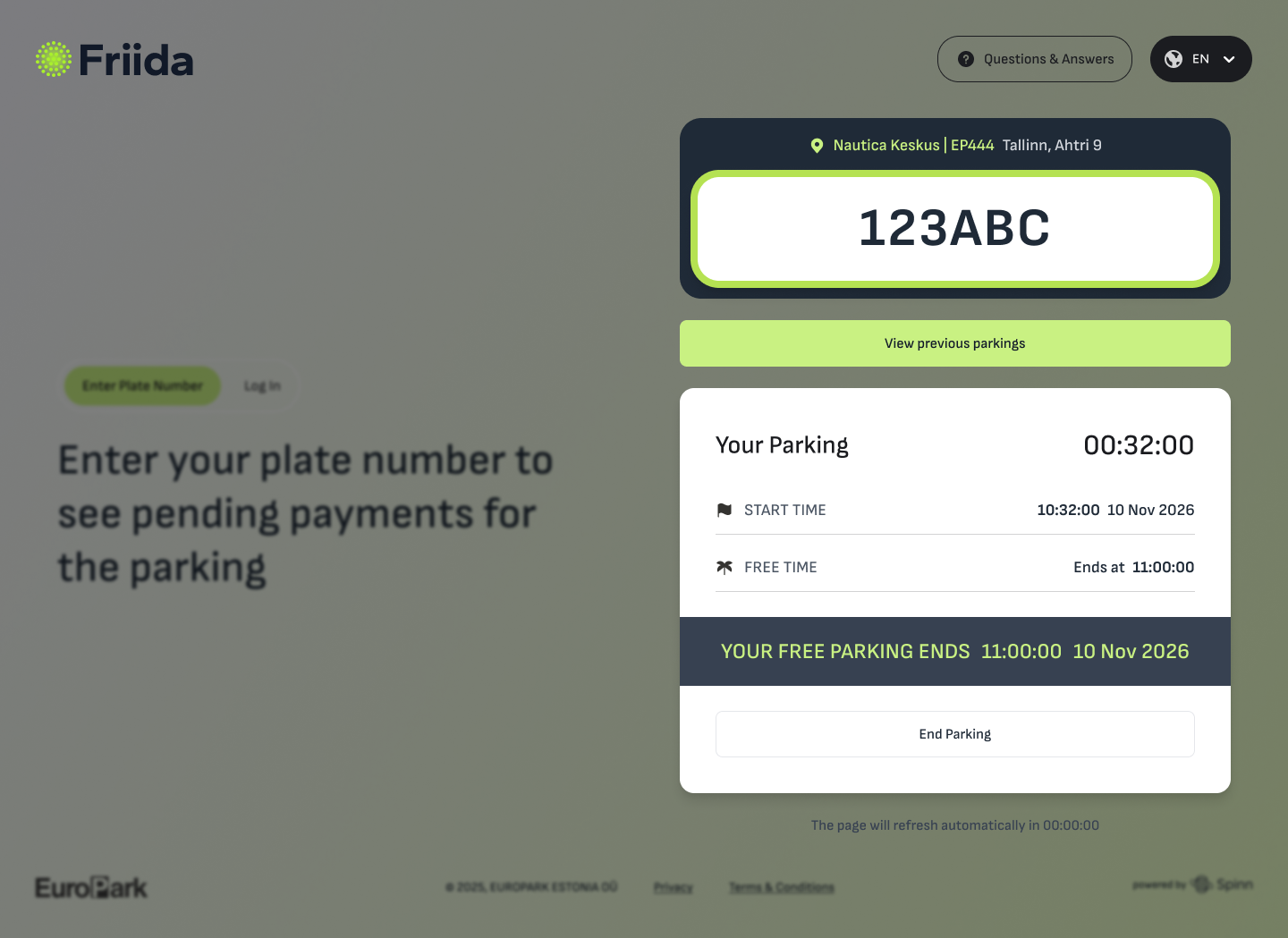
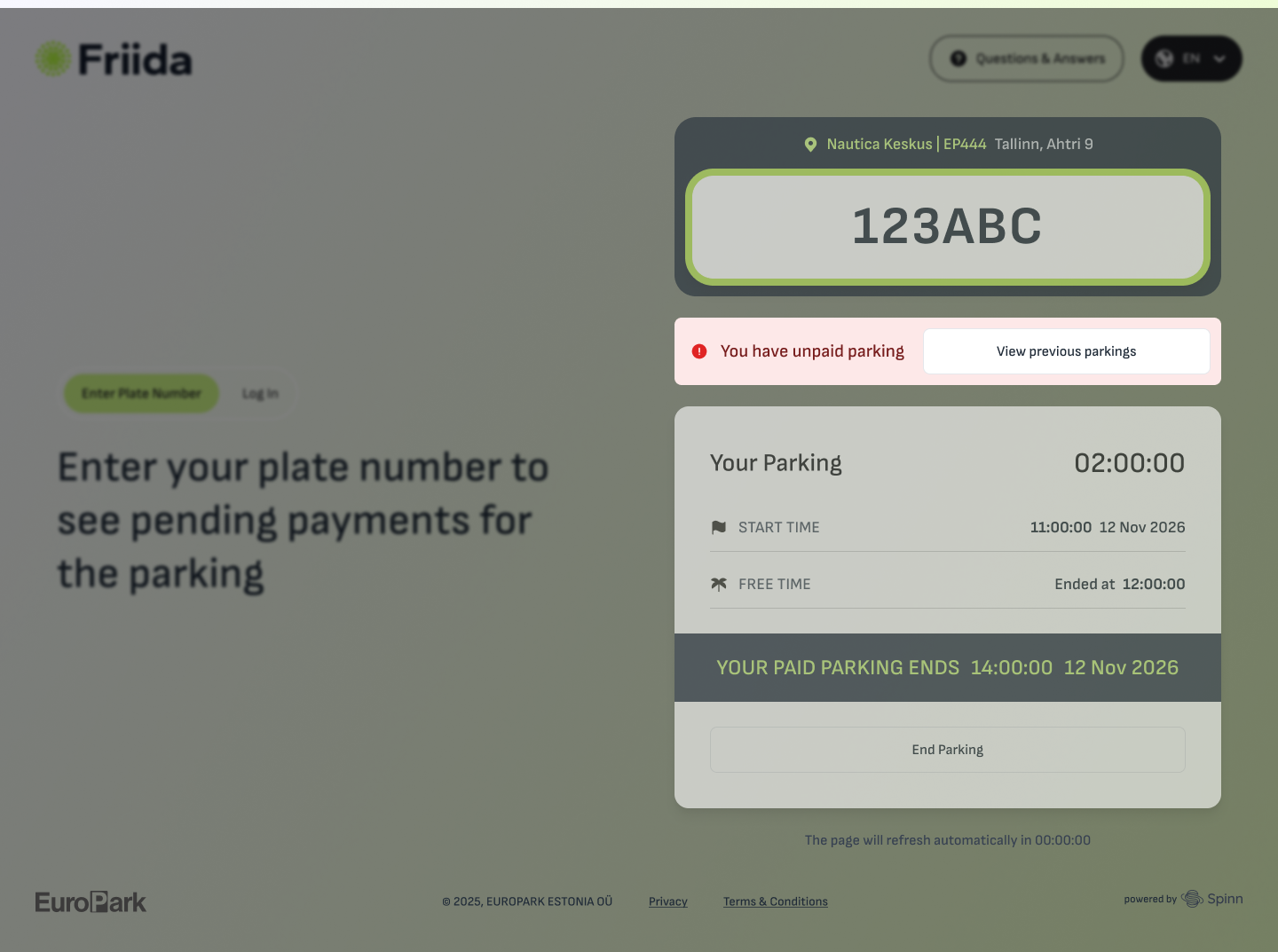
- Active Parking (Free Time Remaining): If you are currently parked and within the free time limit, you will see how much free time is left. No action is required.
 |
 |
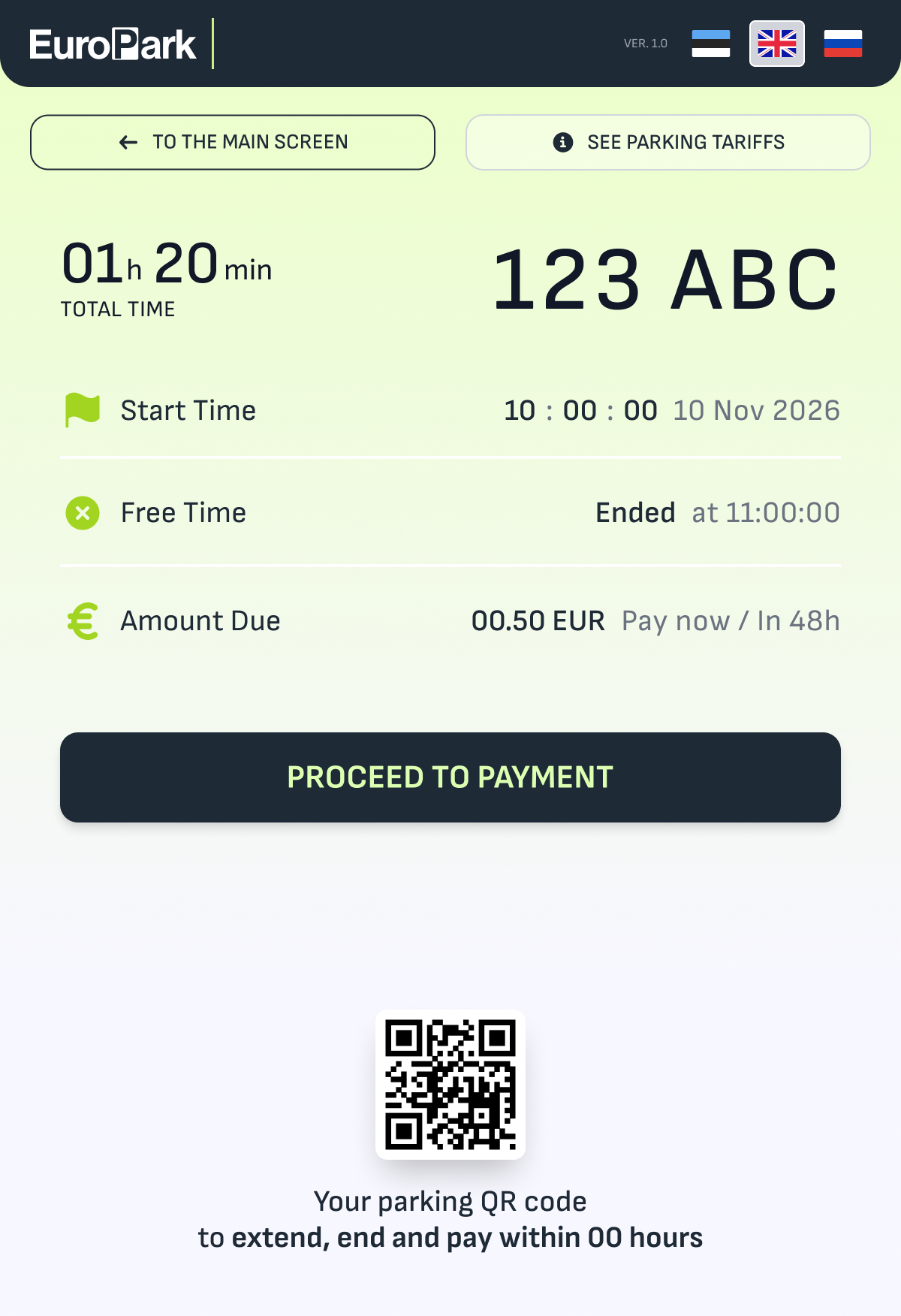
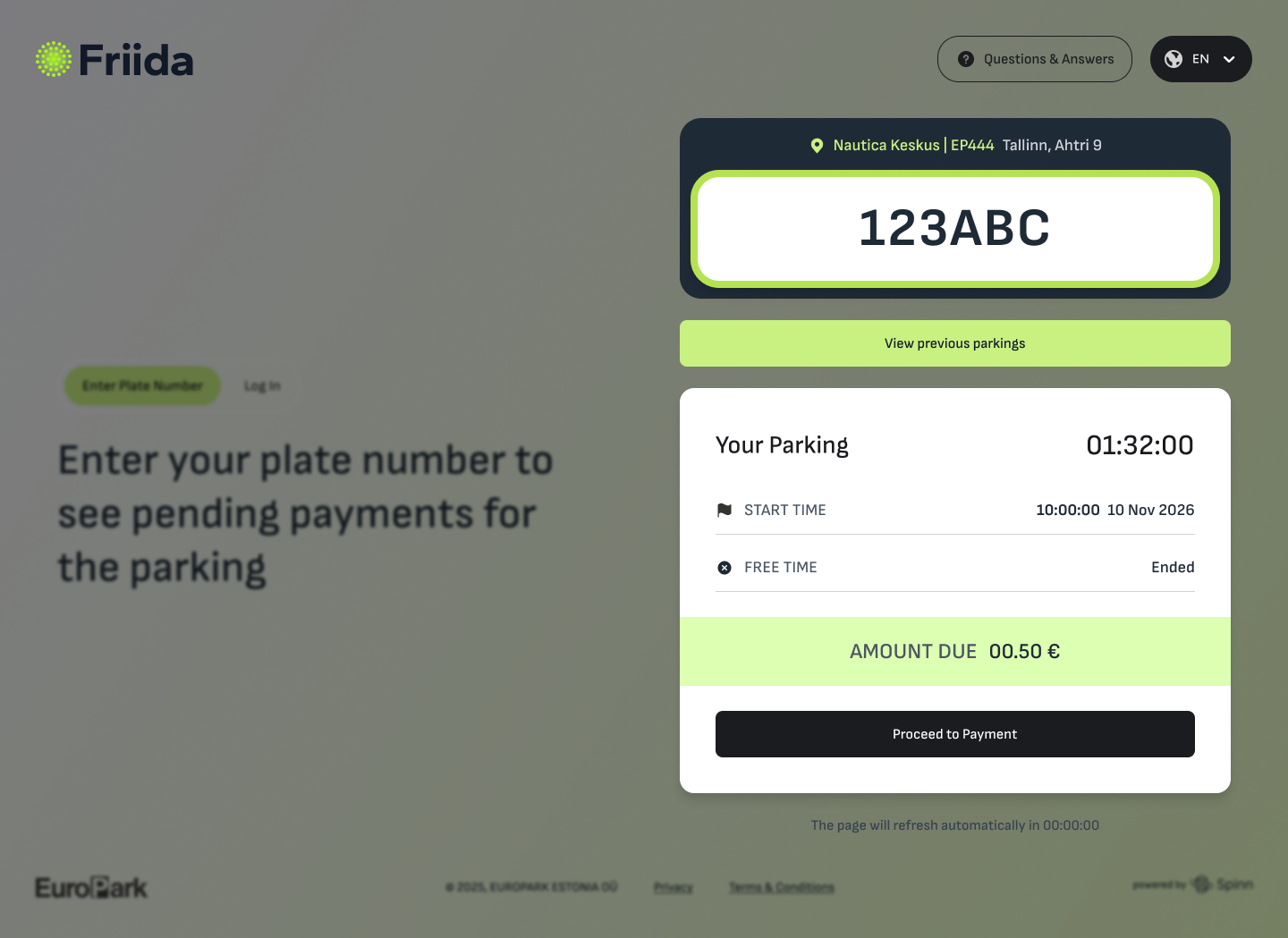
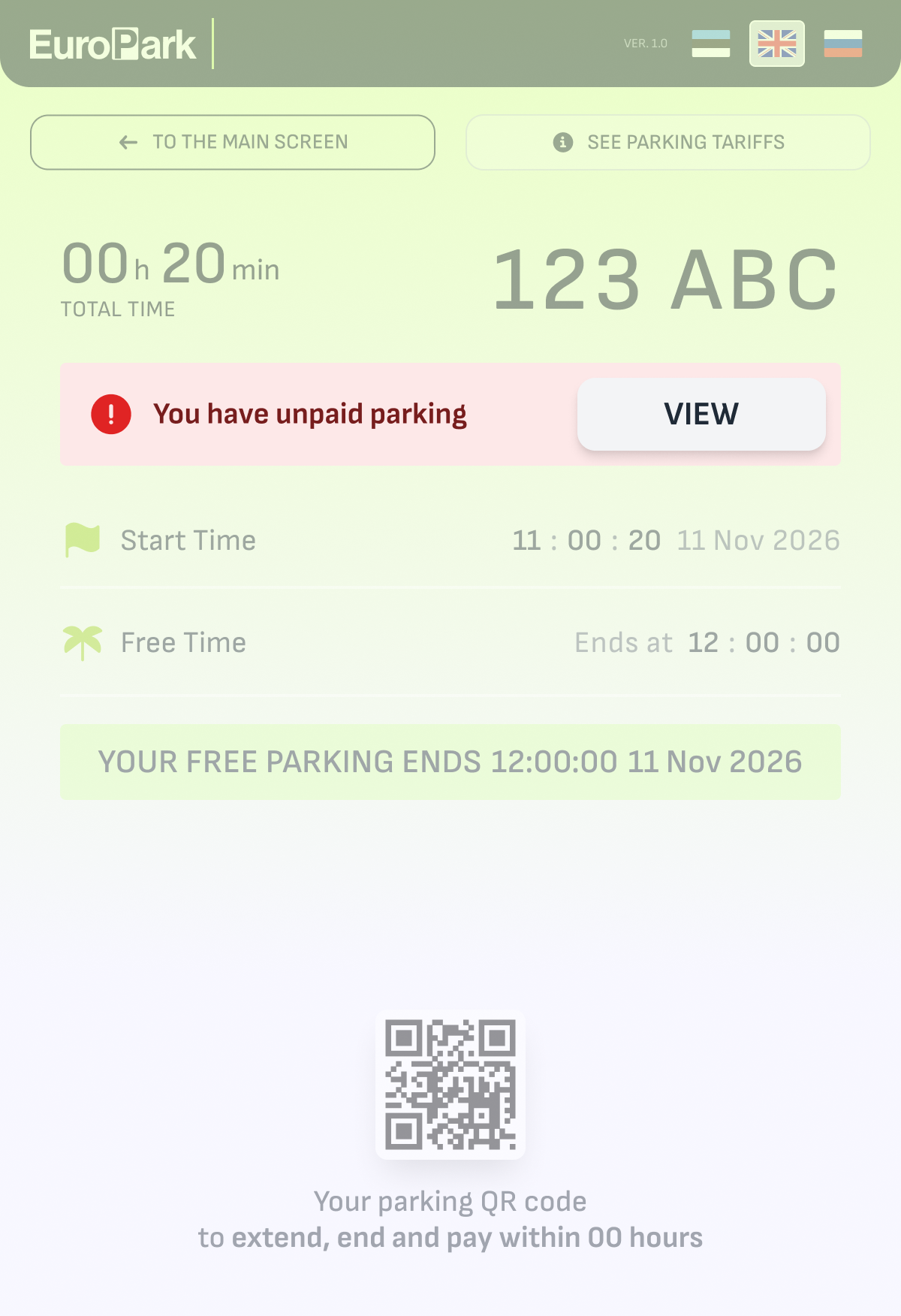
- Active Parking (Payment Required): If your free time has ended, the screen will display the current cost based on local tariffs. You can then proceed to pay.
 |
 |
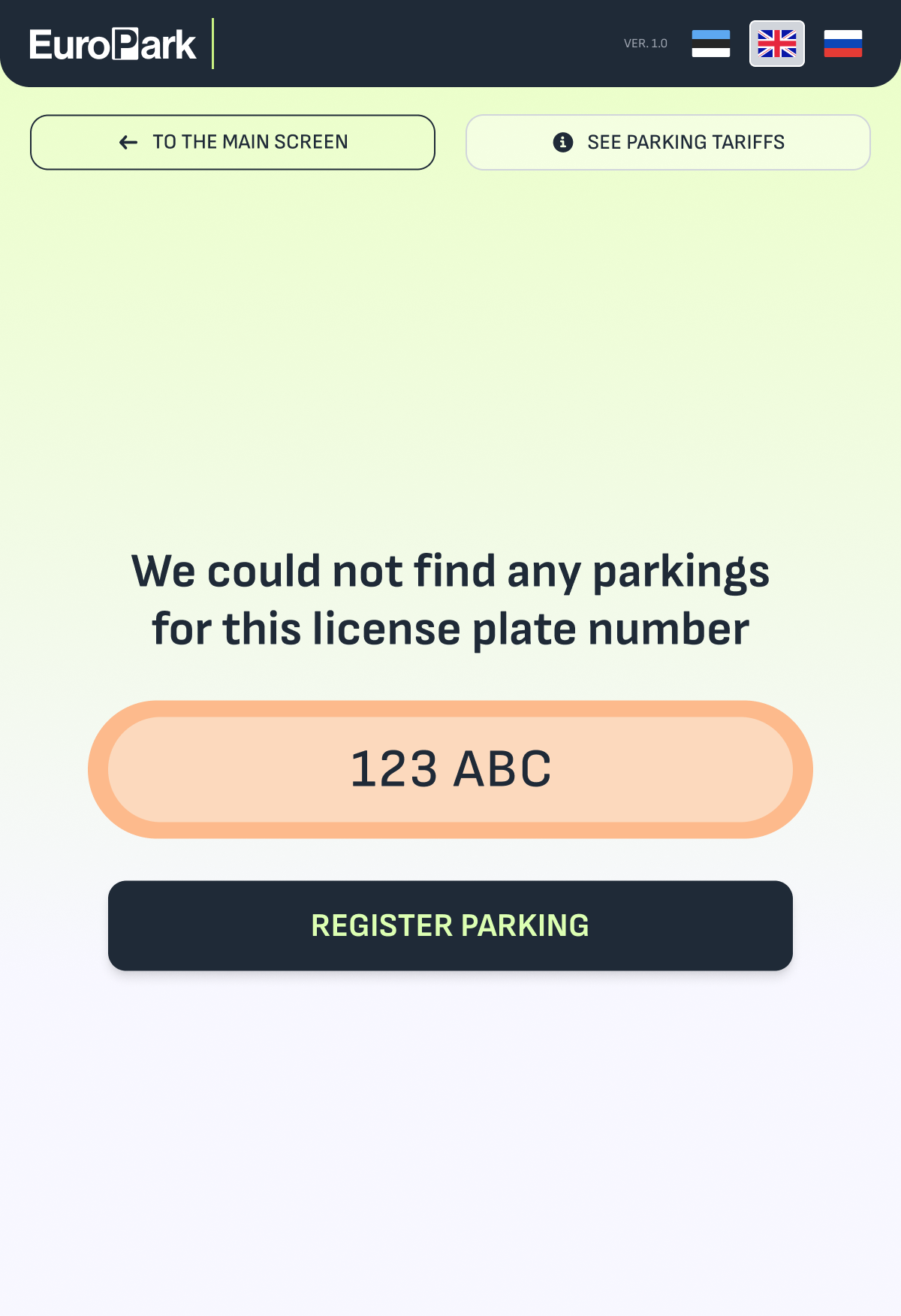
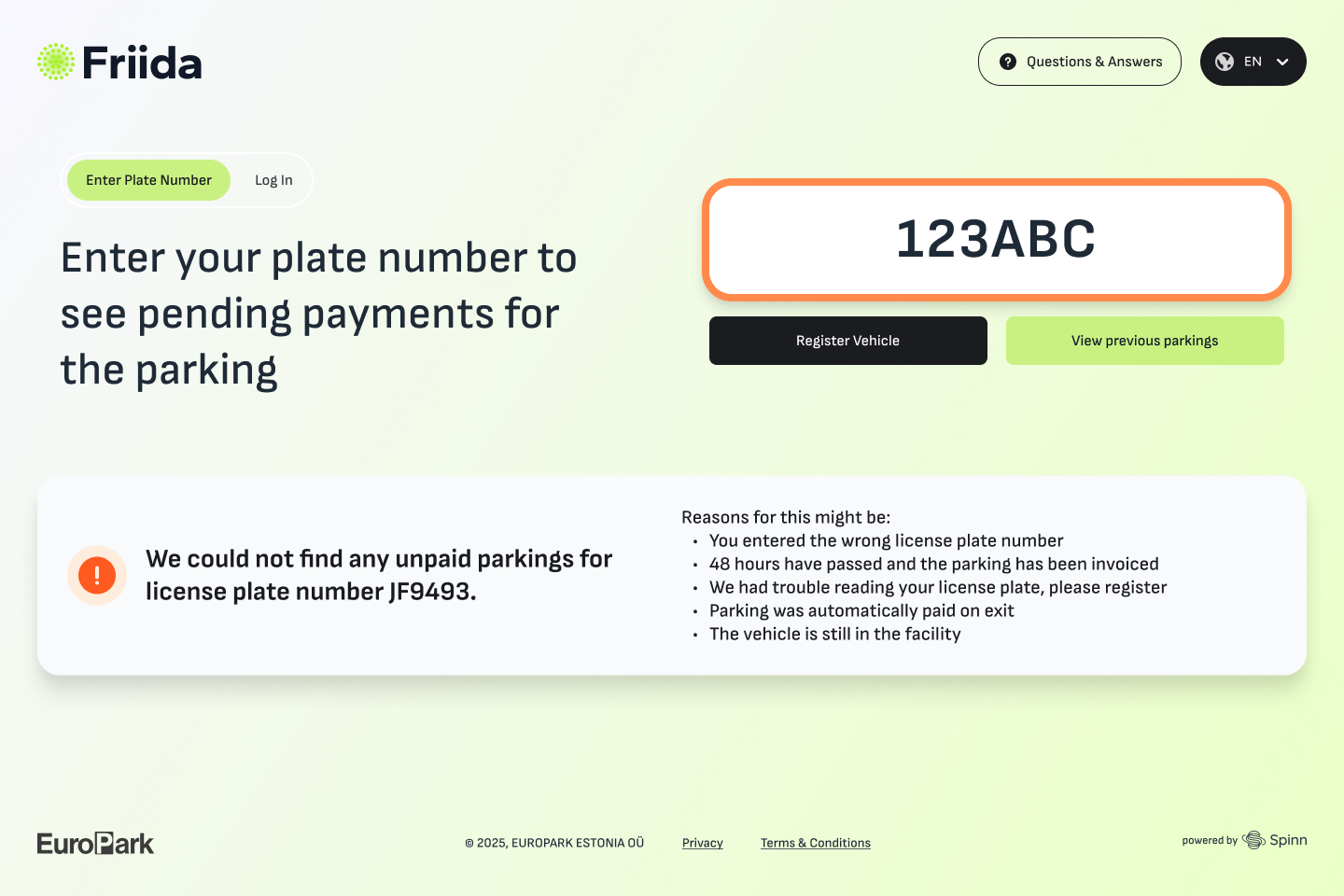
- No Unpaid Parking Found: You might see a message stating "We could not find any unpaid parkings" for your plate. Common reasons include:
Reasons for this might be:
-
- You entered the wrong license plate number - If you realize you entered the wrong license plate number after making a payment, please contact EuroPark Customer Support as soon as possible. Your actual parking session will remain unpaid in the system until corrected. Please provide proof of payment (e.g., bank statement or receipt) so our team can transfer the payment to the correct vehicle.
- 48 hours have passed and the parking has been invoiced
- We had trouble reading your license plate, please register - means that license plate wasn’t recognized
- Parking was automatically paid on exit - if you parked for example with TELIA SMS
- The vehicle is still in the facility
 |
 |
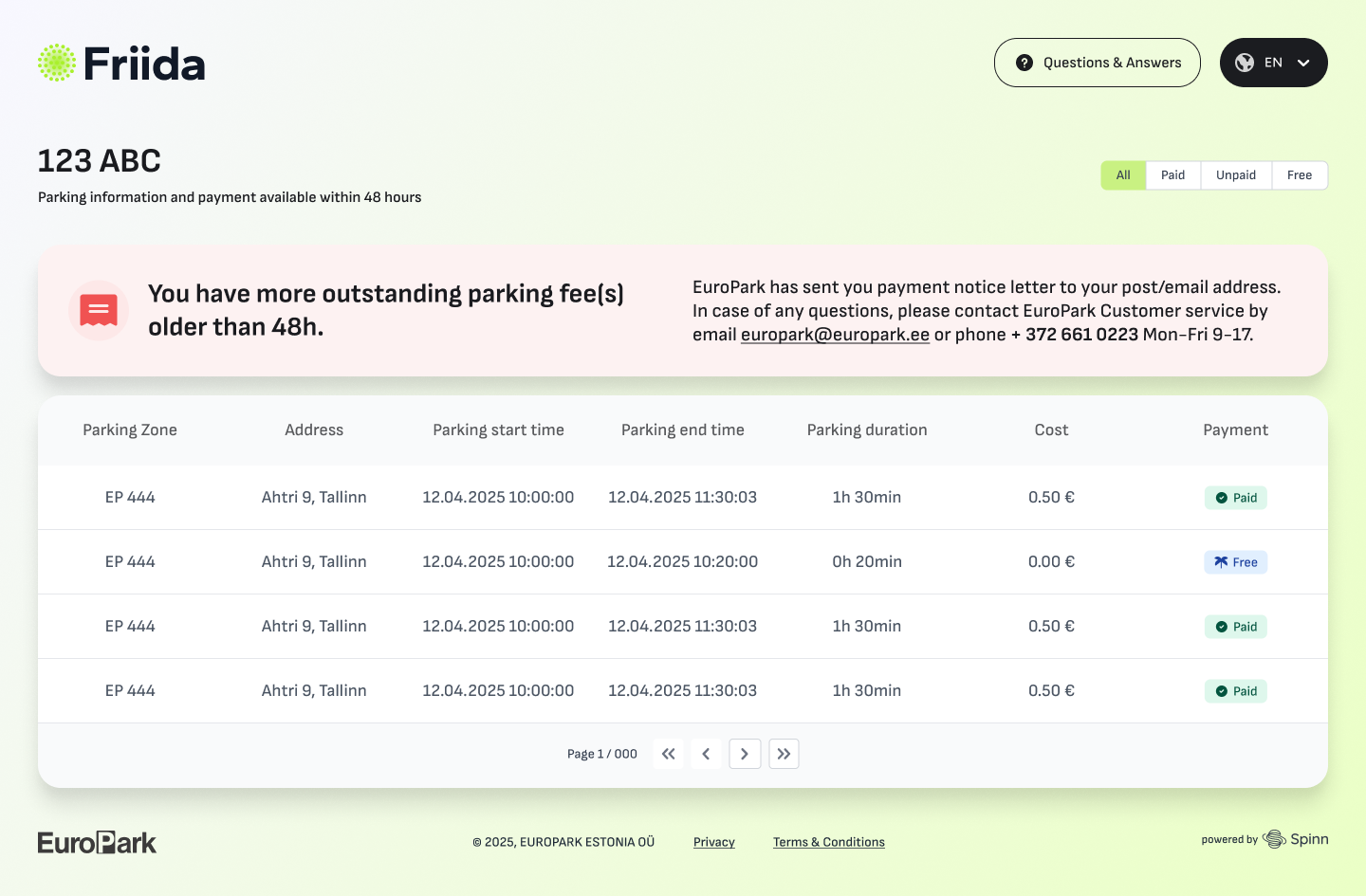
- Outstanding Debt Notification: If you have unpaid fees older than 48 hours, a notification at the web-portal will inform you that a payment notice letter has been sent, as these older debts cannot be paid via this quick search.
Tip: If you have an unpaid session that is under 48 hours old, it will appear in your parking history, which is available at the portal and kiosk. Enter your plate number and select “View previous parkings”. You can pay for it online, or even at a physical kiosk if you happen to be on-site.
 |
 |